03 Independent project · 2026
Lumina Reader
A private reading app that keeps novels from different websites in one library and always remembers where I stopped.
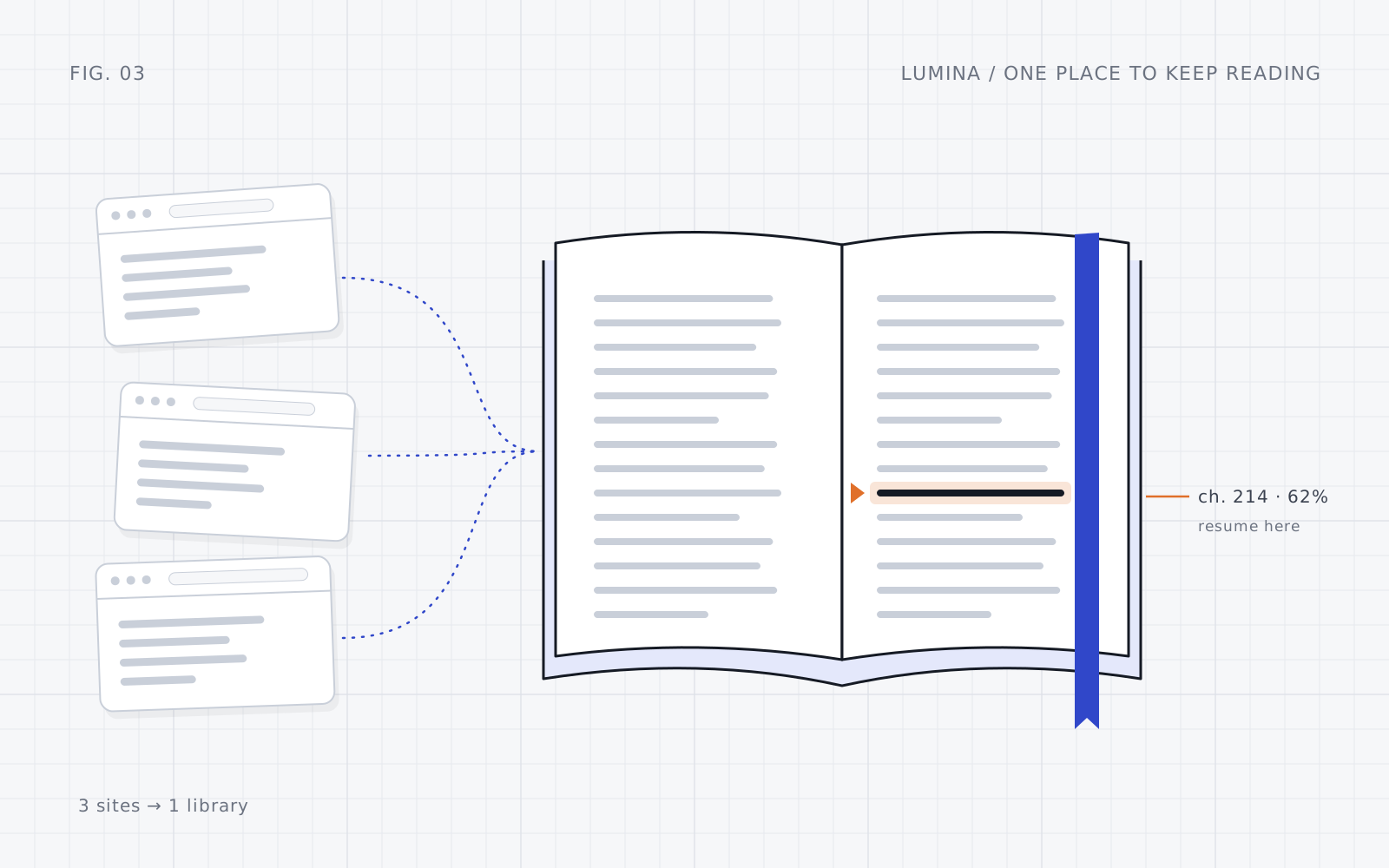
The idea at a glance. There is no public screenshot, so this illustration stands in for one.
How it works
Novels live on many websites; my reading history lives in one place.
Find a novel
Search a supported site or paste a chapter link from my phone.
Phone web appKeep it straight
Makes sure each chapter is matched to the right novel.
Node.jsFetch safely
Only contacts trusted websites and strips pages down to plain text.
Node.jsRemember
Saves the library, chapter and exact position, with automatic backups.
Private serverThe novels live on different websites. Lumina keeps the library, the current chapter and the exact reading position together in one private place.
01 Problem
Why this exists
I read novels across several websites and wanted one place to remember what I was reading, which chapter I'd reached and where I stopped. Relying on each site, or on one browser, kept losing that history.
Lumina gathers those sources into one library on my phone. It runs on my own home network, so it's a personal tool rather than a public reading platform.
02 My part
What I built
Saved reading progress on a private server instead of in one browser, so it's never lost.
Made saving safe: if something goes wrong mid-save, the last good copy is restored.
Made sure chapters from different novels never get mixed up.
Cleaned chapters into plain, readable text.
Limited which websites the app may contact, to keep it safe.
03 Approach
How I approached it
Never lose your place
Progress is saved carefully and can always be recovered.
Be clear about each site
Each website states what it supports, so nothing pretends to work when it doesn't.
Treat the web with caution
Pages are stripped down to plain text and the app only talks to websites it trusts.
04 Result
Where it is now
A focused personal reading app with a library, search, resume-where-you-stopped and a phone-friendly design, running privately at home.
There's no login, so it's only meant for a trusted home network and shouldn't be put on the open internet as it is.
Next: Add more websites, but only once each one has been checked and tested.